Items with different processing times may ship separately. Use code SHIPTOGETHER at checkout to ship all items together. Learn more.

Where Confidence Lives
Made for the Spotlight
Sculpted silhouettes. Elevated fabrics. Designed to stand out.
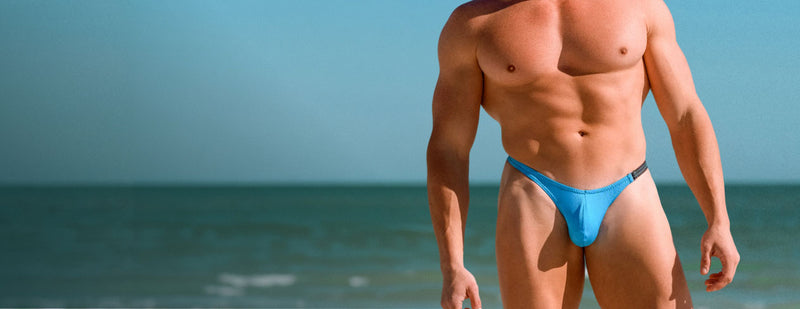
Men's 2026
Collection
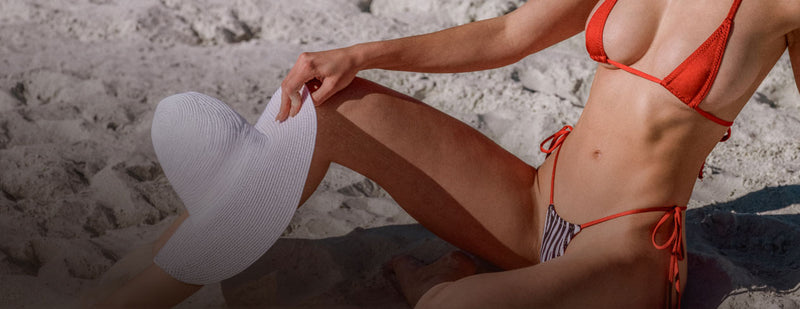
Women's 2026
Collection
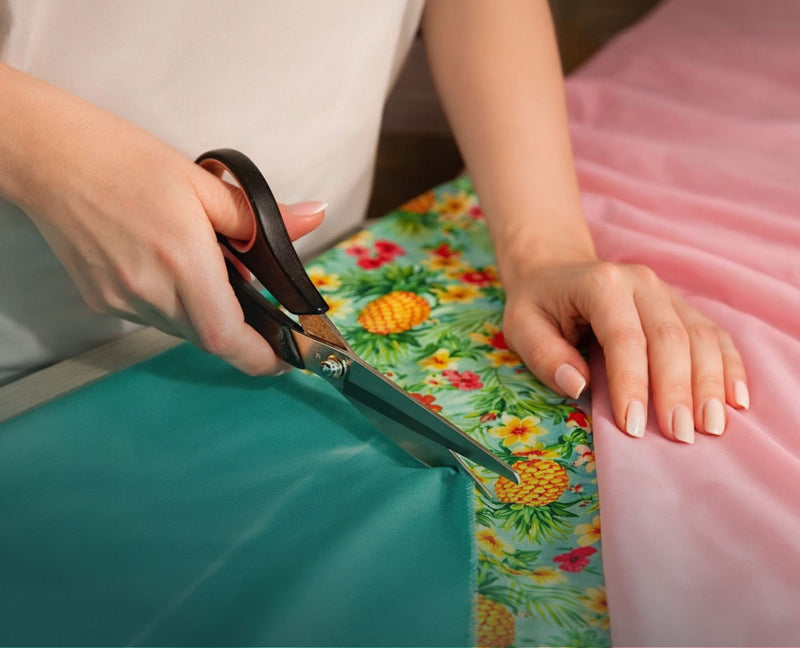
Custom
Studio


Little Black Bikini Special
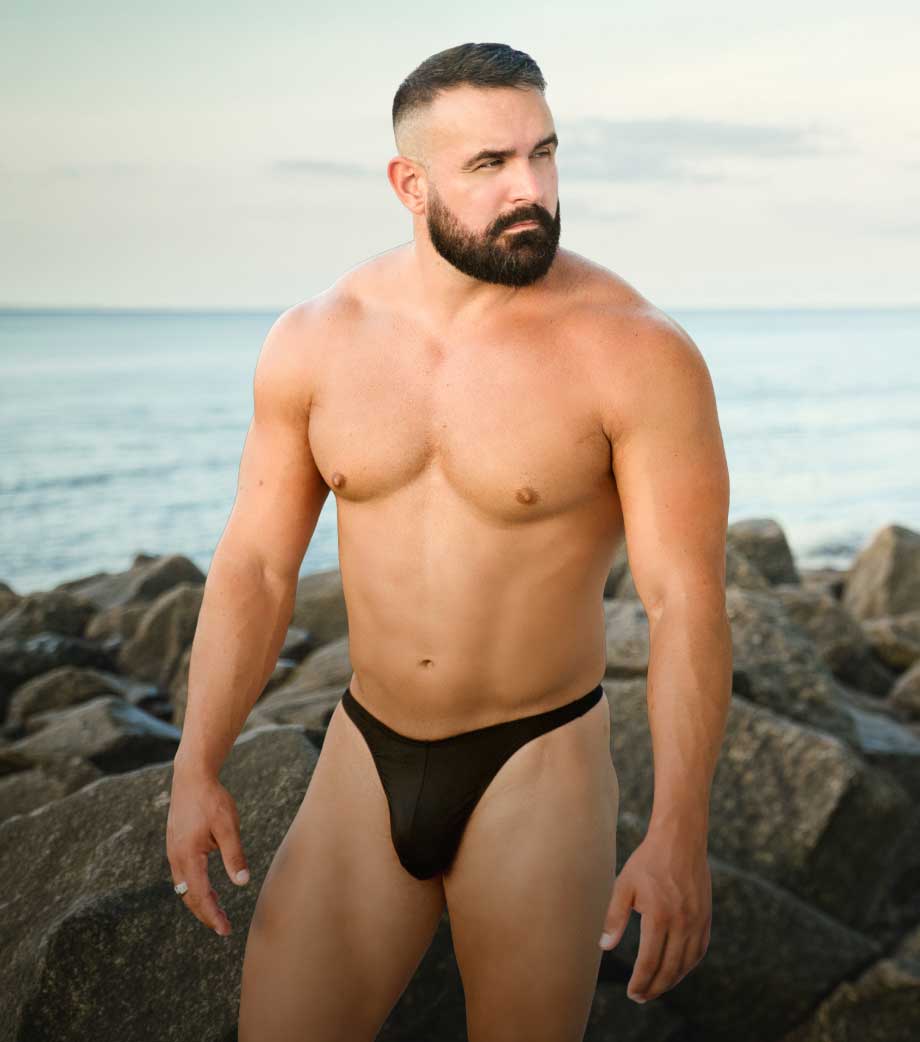

Est. 1986
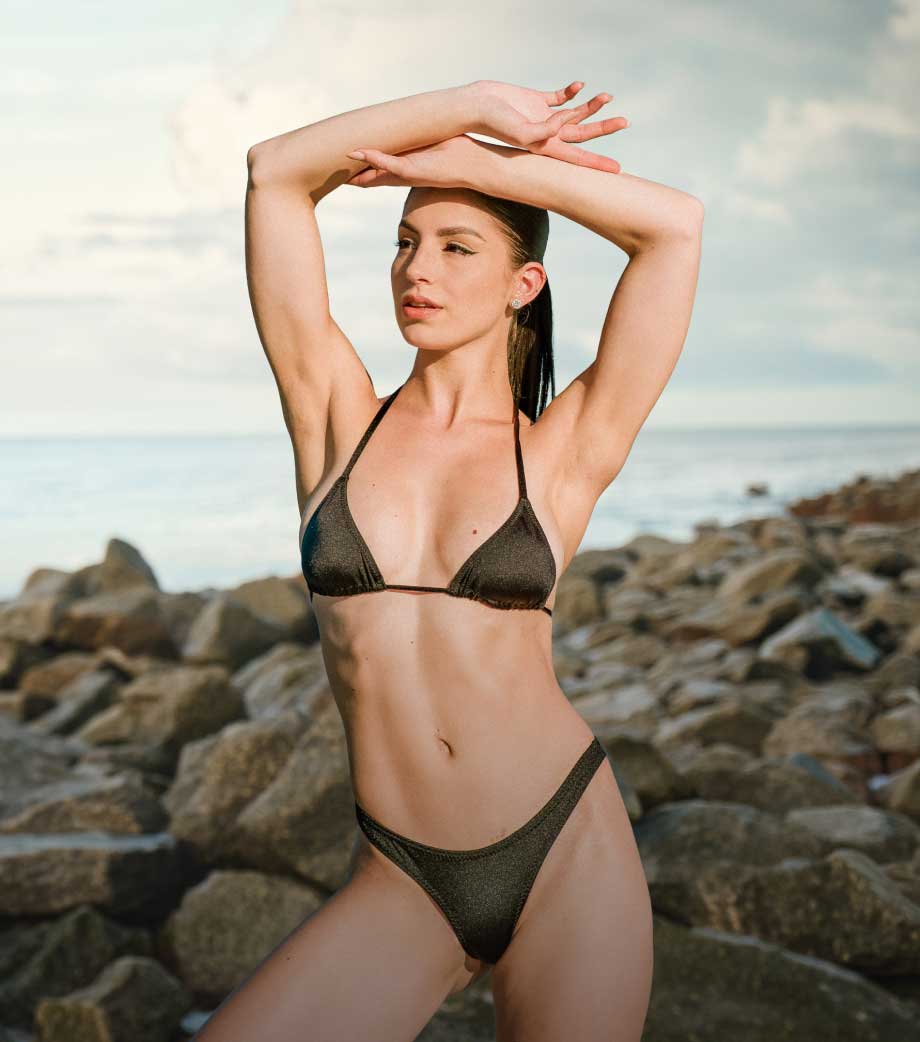
Since 1986, SKINZ Swimwear in Clearwater, Florida has designed bold, high-quality designer swimwear for men and women. From minimal micro bikinis, sexy men’s bikinis, and sheer swimwear to women’s contest bikinis, G-strings, T-backs, Rio cuts, and classic bikinis. Every piece is crafted for a confident fit, standout style, and lasting impact. Perfect for tanning, beach days, and competition stage.


